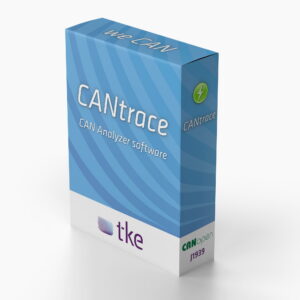



Professional CAN bus analysis and diagnostics software. Support CANopen & J1939
CANtrace is a powerful and easy-to-use CAN bus analyzer software for monitoring, logging, and analyzing CAN data. It enables real-time tracing, decoding, and visualization of CAN messages and signals, as well as logging for post-processing and diagnostics. The software is compatible with widely used CAN interfaces and supports industry-standard protocols and file formats
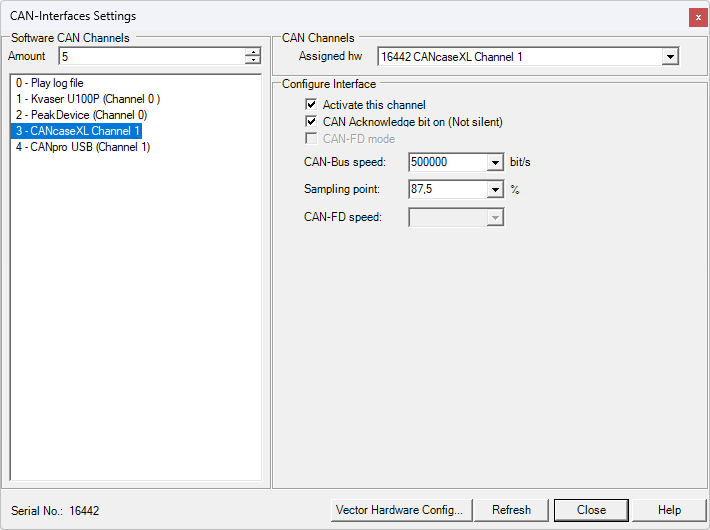
CANtrace works with your current Kvaser, Vector, PEAK, Komodo and Softing hardwares and supports both CANopen and J1939 protocols. It also supports both the classical CAN and CAN FD standards. The software also features a robust Python scripting environment. Ideal for engineers and technicians who need a flexible and cost-effective software tool for CAN bus analysis, diagnostics, and development using existing hardware.
Key features
- Real-Time CAN Analysis: Trace, decode, and visualize CAN messages and signals in real time
- Data Logging & Playback: Record CAN traffic and replay log files for analysis and simulation
- Protocol Support: Compatible with CAN, CAN FD, CANopen, and J1939
- Hardware Compatibility: Works with Kvaser, Vector, PEAK, Softing, and other supported interfaces
- Database Integration: Supports DBC, ASC, and BLF file formats for efficient data handling
- Graphical Visualization: Plot signal data with flexible graphing tools
- Python Scripting: Extend functionality with built-in scripting capabilities
Functionality
CANtrace provides a complete environment for CAN data analysis. Users can monitor bus traffic in real time, decode messages into human-readable signals, and visualize data using graphs and plots. Logged data can be analyzed later or replayed back to the CAN bus for testing and simulation purposes.
The software integrates seamlessly with existing CAN hardware and databases, allowing users to work within their current setup without additional investment. It supports multiple interfaces and enables efficient workflows for both real-time diagnostics and offline analysis.
Typical applications
- CAN bus diagnostics and troubleshooting
- Embedded systems development and testing
- Automotive and heavy-duty vehicle analysis
- Industrial automation and control systems
- Field data logging and post-analysis
Supports the J1939 protocol
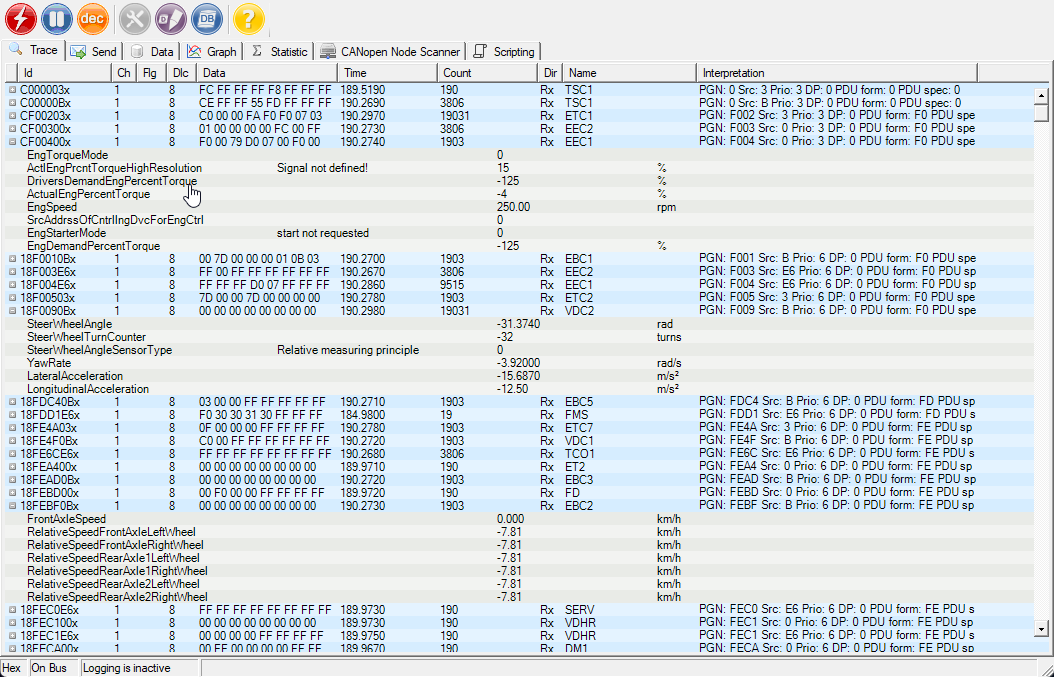
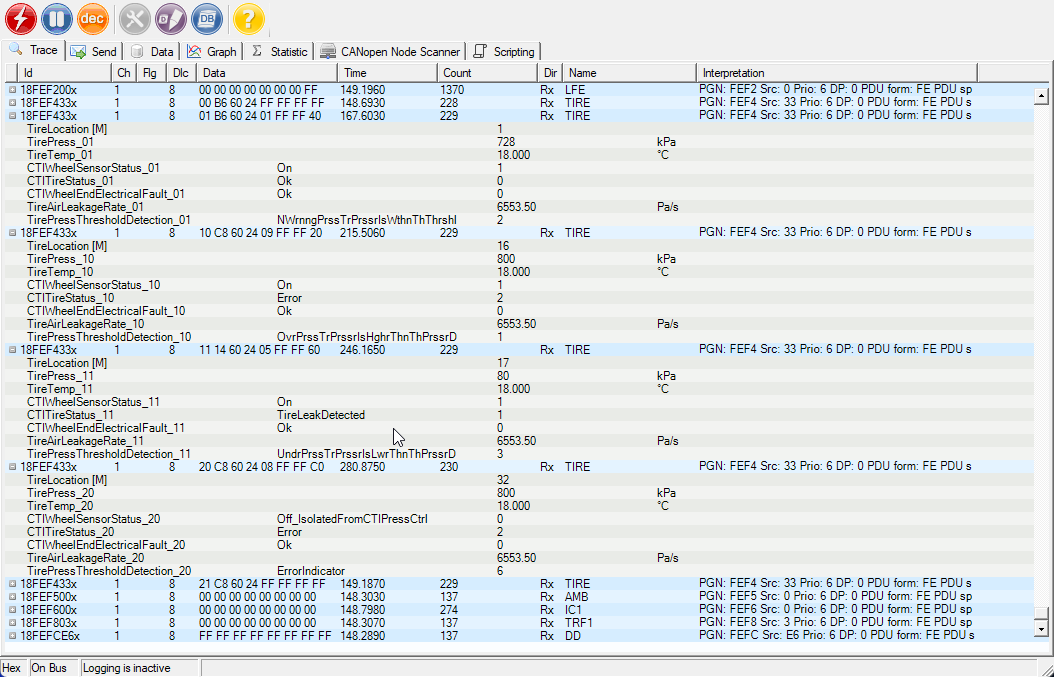
CANtrace fully supports SAE’s J1939 protocol. The software comes with a J1939 database in DBC format. This allows natively decoding the standardized 8-byte J1939 messages that are specified in the SAE J1939 Digital Annex. In addition, CANtrace supports the J1939 transport layer protocol and can both send and receive suspect parameter embedded in transport layer segments.
For J1939 format databases, CANtrace is able to mask out both priority, source address and destination address fields which allows the use of compact J1939 databases that works with a variety of different vehicles. CANtrace also supports combining the included J1939 database with a customer-specific database. This enables the decoding of vehicle-specific parameters.
View and decode any CAN message
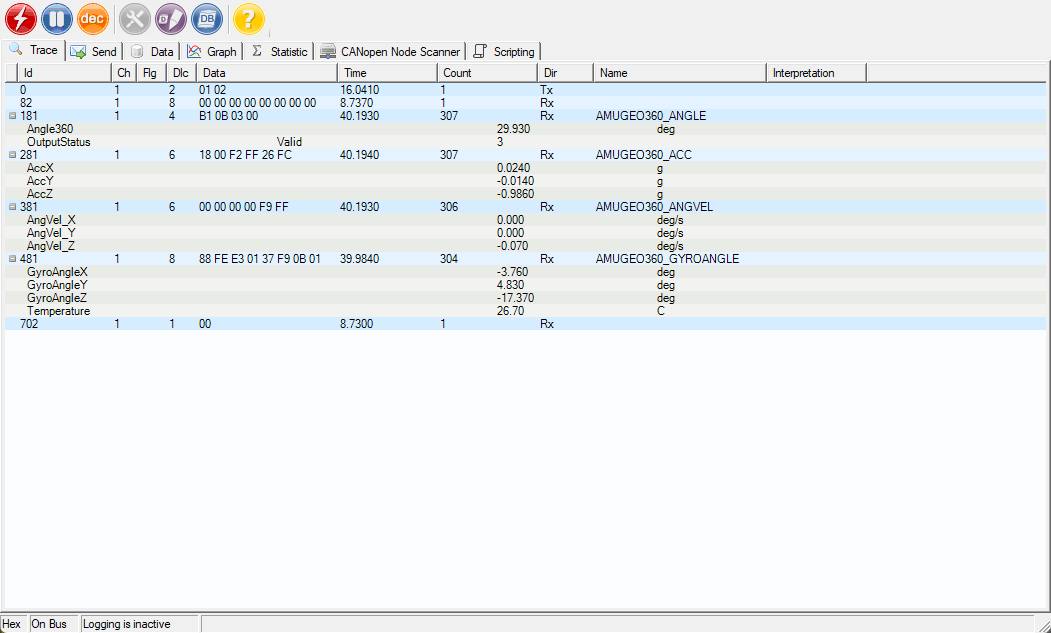
Data is transmitted on the CAN bus in 0-8 byte long messages, including a CAN ID and data length (DLC). And the message timestamp from your CAN interface, and that’s about all you get from a free CAN tool. CANtrace does the decoding with CANtrace you don’t have to decode the CAN data manually. The included CANopen and J1939 protocol parser will decode protocol headers, while the connected databases (DBC) will decode signal values.
Logging and playback log file
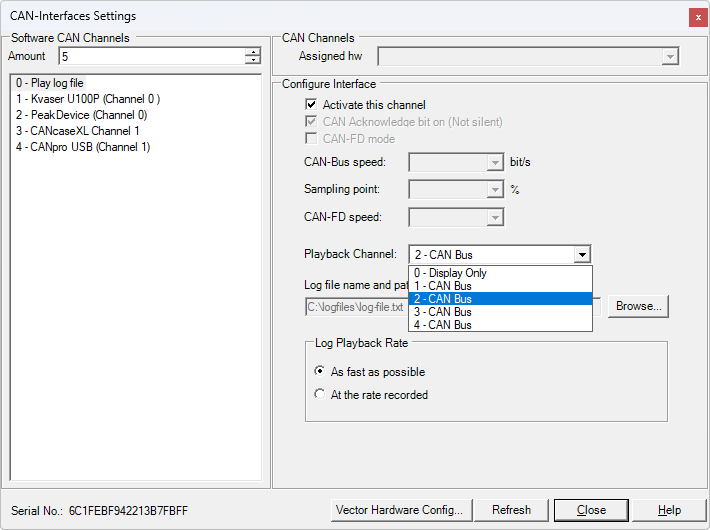
CANtrace supports Vector ASCII format CAN log files. In addition to recording log data from multiple channels, CANtrace can also play back log files directly to the CAN bus. Any log file in ASC format can be used to generate data on the CAN bus. This feature can be very useful for simulation, testing and bus traffic generation. You can produce graphs from data you logged with any CAN logger, as long as it supports the popular Vector asc log format.
Time synchronization of CAN channels
CANtrace also features time synchronization of the CAN channels, when going on-bus. This means that in multi-channel setups you will be able to compare timestamps between channels as they have the same time base. Multi-channel setups now benefit from time synchronization, ensuring consistent timestamps across channels.
Support for multiplexed signals in databases
CANtrace fully supports multiplexed signals in databases. The software can decode complex CAN protocols and display or plot the data from multiplexed signals. It also allows for easy editing and sending of CAN messages that contain multiplexed signals.
Human-readable data (DBC databases)
Manually decoding the raw CAN data can be time-consuming and tedious. CANtrace decodes these signals for you and displays the data in human-readable format. This way you can interact with the CAN bus in a more natural and intuitive way, monitoring, logging and plotting data while using familiar engineering units.
Signals are decoded using your existing CAN database, in the commonly used DBC format. You can connect a separate database to every CAN interface channel and there is even a handy database editor included in CANtrace.
Plotting the data in XY graph
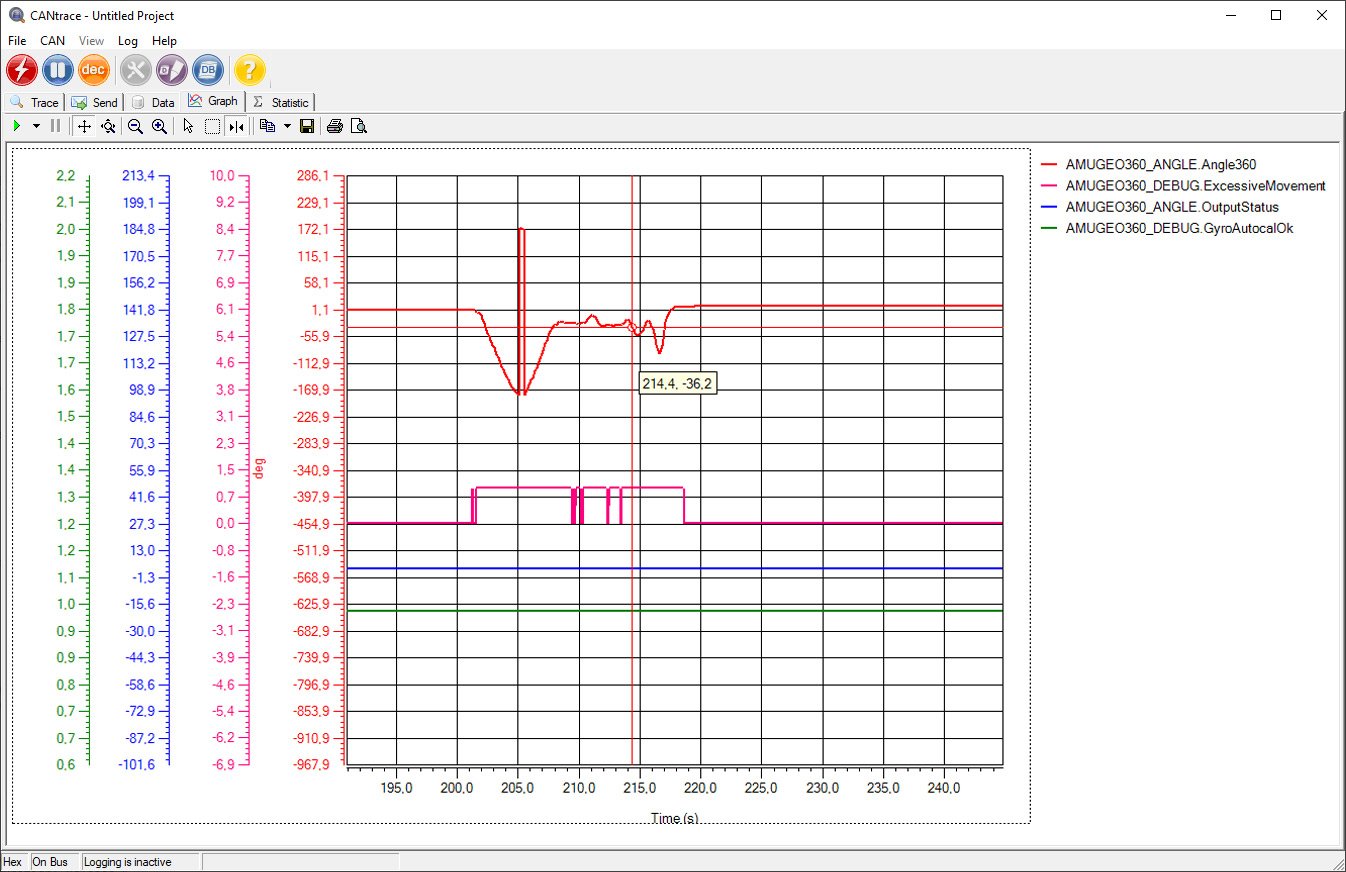
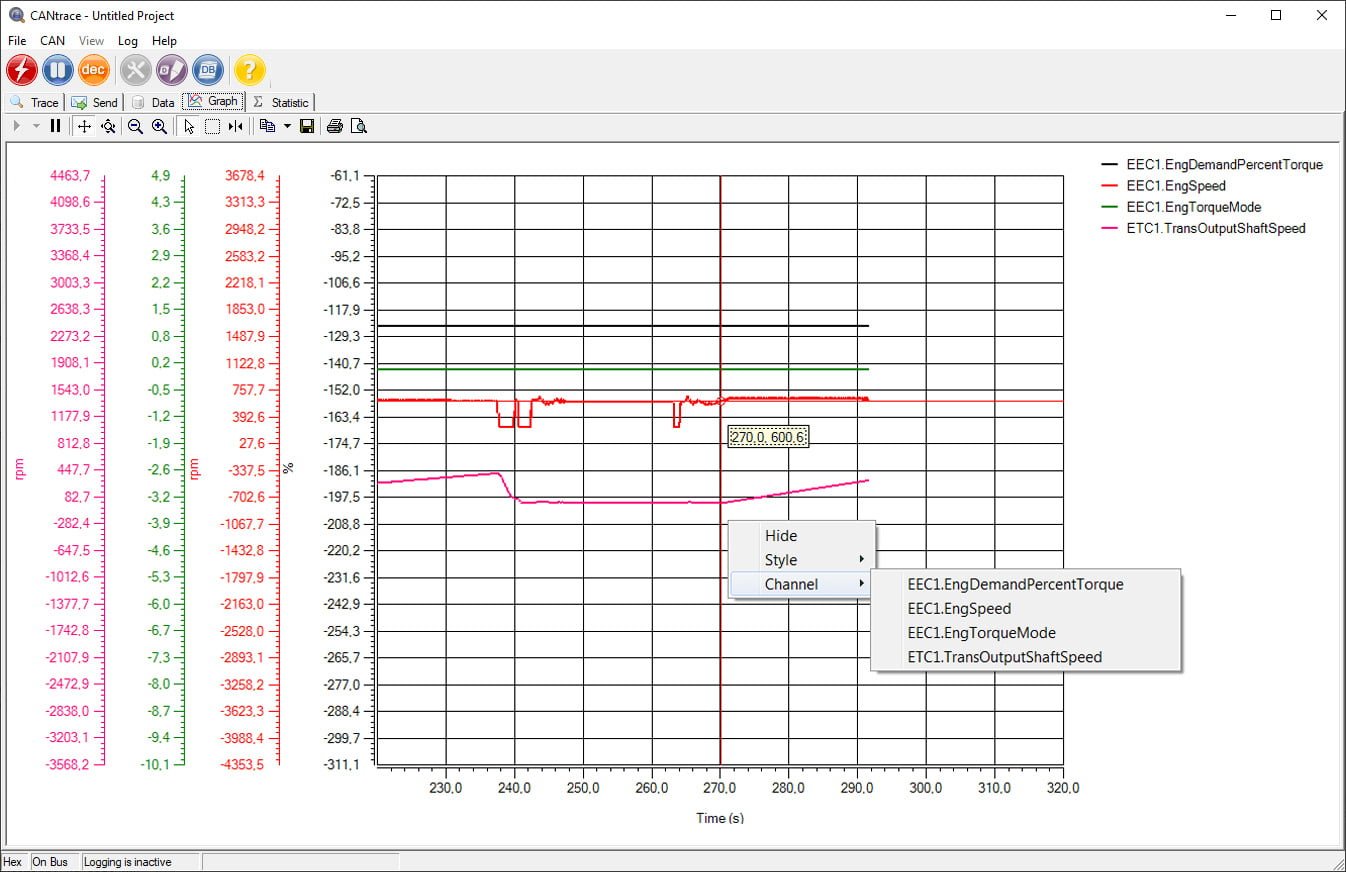
CANtrace features a powerful graphing tool that enables real-time plotting of signal values. You can easily plot multiple signals, switch between single and multi-view presentation modes, adjust the signal presentation, and manipulate the colour-coded signals using user-friendly controls. Utilise data cursors for precise measurements, and export your graphs for reports and documentation.
Python scripting
CANtrace provides users with an extensive Python scripting environment, featuring a wide variety of common Python modules. User-created scripts can be run in real-time and used to modify, filter or create incoming and outgoing messages. This feature enables customisation of analysis workflows, automation of repetitive tasks, and extraction of more profound insights from CAN data.